
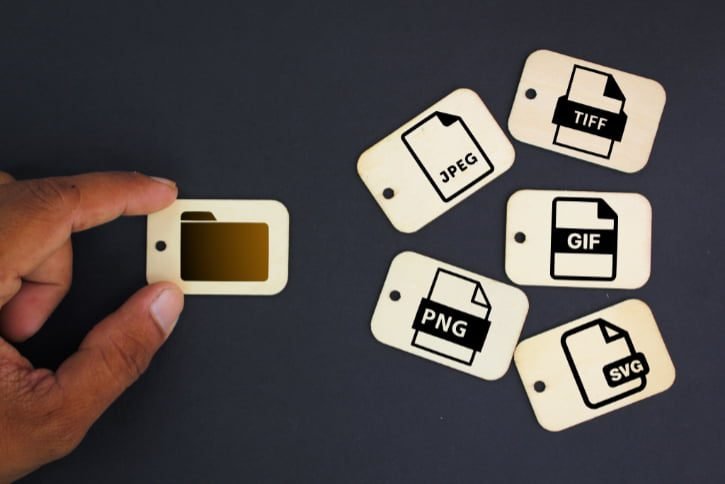
The quality and versatility of creative efforts depend significantly on the digital graphic file formats used in graphic design. The two main types of digital graphics files are the following:
- Vector
- Raster
These are the fundamental building blocks; however, the broad field of digital graphics offers a variety of formats, each with unique qualities and ideal application scenarios. These formats have their own characteristics, applications, and compatibility. Therefore, knowing these formats in detail will help you choose the best file format for the design goals.
Digital Graphic File Formats: Vector Graphics

Vector pictures are the most precise in digital design. Vector images use mathematical formulas, unlike raster graphics. These visuals’ elaborate wireframe-like paths are made of hundreds of thousands of tiny lines, curves, or nodes. The well-defined placements of each node and the correct lengths and curves of each line allow precise control over every visual element.
One of vector graphics’ unique characteristics is their scalability. Vector pictures can be enlarged repeatedly and endlessly without losing resolution or pixelation. Due to their inherent scalability, vector graphics are the best choice for tasks where the picture size varies, like creating logos, icons, and text.
Think of a brand logo as an illustration. Vector graphics ensure the logo is clear and sharp, from business cards to giant billboards, no matter the size.
Adobe Illustrator (.ai), CorelDRAW (.cdr), and OpenOffice (.odg) are some of the widely used programs that produce vector images. They save files in their respective native formats, preserving the intricate mathematical data that defines vector graphics.
Smoothness of Text in Vector Images
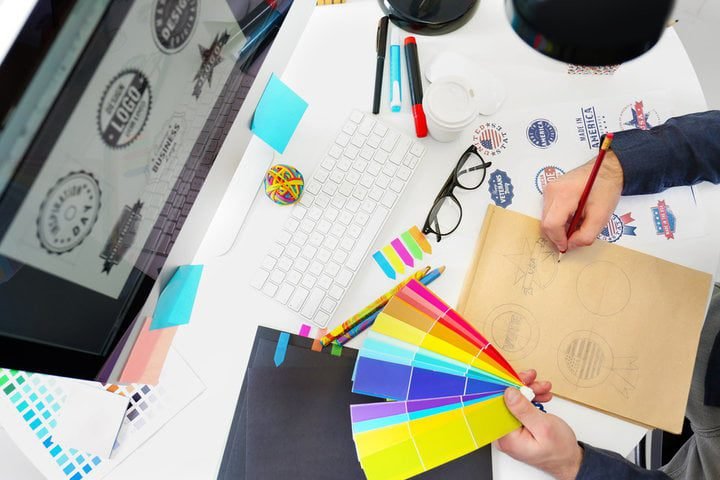
One of the distinguishing qualities of vector graphics is their unmatched smoothness when rendering text, especially at larger font sizes. Vector images frequently include text that is clear and crisp at all scales. This is very important for designers working on logos, typography-based art, business cards, website banners, or posters, where text must be an essential image component.
Compatibility Challenges
However, vector drawings are not without their challenges. Compatibility is a serious obstacle. Vector images are frequently saved as native files in the software in which they were created.
For instance, CorelDRAW uses .cdr, .cdrw, or .cdt, while Adobe Illustrator uses .ai, .ait, or .art extensions to save files. These native formats are particularly effective at preserving the full mathematical precision of vector graphics. Still, when clients exchange these files or use them in other design applications, they simply don’t work.
Designers frequently export vector graphics to more widely accepted formats, such as PDF or SVG (Scalable Vector Graphics), to reduce compatibility difficulties and because of their adaptability and extensive support.
Digital Graphic File Formats: Raster Graphics—Images in Pixels
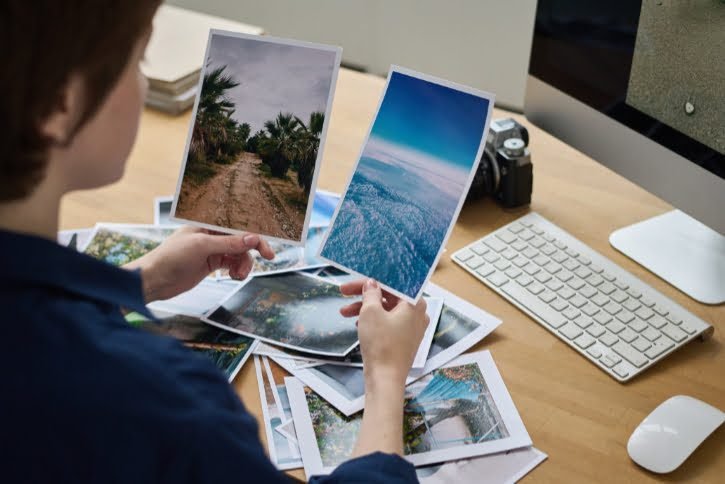
In contrast to vector graphics, raster images are composed of millions of tiny squares known as pixels. Each pixel represents a single point in the image and contains color information. When you zoom in on a raster image, you can see the square outlines of these pixels.
Raster graphics are the best option for images or other artwork that contain intricate gradients and continuous tones. Raster images are created when we take a picture with a digital camera or scan a physical photograph. The subtle gradations of a sunset to the minute details of a portrait can all be perfectly captured in this format.
Take a look at the work of a skilled photographer. To ensure that every minute detail is captured in the shot, they use high-resolution cameras to take breathtaking landscape or portrait photographs.
Raster image formats are necessary in this case because they preserve the richness and accuracy of the original scene. Later, the rich details and vivid colors are accurately replicated when these photographs are printed in high quality or posted on websites.
File Sizes and Resolution
Comparatively, raster graphics often have bigger file sizes than their vector equivalents. The image’s dimensions, the number of pixels per inch (PPI), and the color depth are some variables that affect how large a raster image file will be.
Using higher PPI settings and deeper color depths results in larger files. Working with raster graphics can be challenging due to these larger file sizes, particularly in digital media, where smaller file sizes are preferred for quicker web loading times.
Consider a web designer constructing an image-rich e-commerce website. They must balance high-quality product photos with fast website loading for an engaging buying experience. In this case, the designer may reduce raster image resolution or compress them to balance image quality and website performance.
Standard Raster File Formats
To work effectively with raster images, designers must be familiar with standard file formats associated with this category. Here are some essential raster file formats:
JPEG is the standard for photographic images. It is ideal for vivid photos and web images and supports 16.7 million colors. Due to lossy compression, JPEG images are small but lose image quality. This format does not enable transparency in line drawings or animations.
Example: A travel blogger posts unique landscape and cityscape photos. They use JPEG to show each location’s vibrant colors and intricate details.
BMP (Bitmap): The BMP raster format stores pixel color data without compression. This provides sharp, high-quality visuals but larger files than JPEG and GIF. BMP images were popular on Windows, but many Mac and PC programs now support them.
Example: Illustrators produce elaborate digital paintings with brilliant colors and brush strokes. They save the image as a BMP to maintain its quality for printing.
GIF (Graphics Interchange Format): GIF images are great for flat or single-tone images because they support 256 colors (an 8-bit color palette). Logos, icons, banners, and animations use them. GIF supports transparency and interlacing.
Example: An advertising agency creates animated banner ads for web campaigns. They use the GIF format to ensure the ad loads quickly and displays smoothly across various websites.
PNG (Portable Network Graphic): The versatile PNG format handles transparency well. It supports 8-bit and 24-bit colors, making it ideal for many photos. Lossless PNG formats maintain color information when compressed. However, richer images can increase file size.
Example: A graphic designer makes a startup logo. PNG format preserves the logo’s sharpness and transparency, making it look excellent on many backdrops.
TIF or TIFF (Tag Image File Format): TIFF is a popular publishing and printing raster format. It is enormous in size and high in quality, producing precise, detailed images, such as high-resolution scans of printed photographs.
Example: Professional photographers digitize vintage photos for historical books. They use TIFF to preserve every detail of the original image.
Other File Formats
While JPEG, BMP, GIF, PNG, and TIFF are some of the most common raster formats, there are lesser-known file types that cater to specific needs in graphic design. Let’s explore a few of these unique formats:
RAW: Raw files are camera sensor-captured image data. Uncompressed RAW files contain all camera data, making them excellent for photographers who need maximum post-processing control.
JPEG compresses and discards some image data, but RAW files keep all image data for exposure, white balance, and other modifications using specialized software.
Example: A professional fashion photographer must carefully edit each shot. The RAW format lets them fine-tune every component of the image.
PDF (Portable Document Format): While mainly utilized for documents, PDFs are also used for visual design. PDFs are versatile and can incorporate vector and raster elements.
Presentations, interactive forms, and print-ready publications use them extensively. PDFs are reliable for sharing design proofs and print-ready files because they retain formatting across devices and operating systems.
Example: Graphic designers create extensive client design proposals that include mockups, vector graphics, and project parameters. They convert them to PDF for simple distribution and presentation.
Conclusion
Digital graphic file types can significantly affect the quality and flexibility of graphic design work. Differences between vector and raster images are just the beginning. A designer must consider a format that meets the project’s, clients’, and collaborators’ requirements.
Each format has a specific function, from vector graphics with mathematical precision and infinite scalability to raster images that capture real-world details. The correct file format is crucial when developing logos, web images, or print-ready items to maximize clarity and impact.
Discovering hidden treasures like RAW for complete photographic control and PDF for flexible document sharing helps one navigate the complex world of digital graphic file types and create magnificent, memorable images.